Technology
Adult Learning
Self-Improvement
What is a MIDI keyboard and how does it work?
July 16, 2024

MIDI stands for Musical Instrument Digital Interface. It's a standard communication protocol that allows electronic musical instruments, computers, and other devices to communicate and control each other. MIDI doesn't transmit audio signals like a microphone or speaker; instead, it sends information about musical notes: their pitch, duration, volume (velocity), and other relevant parameters.
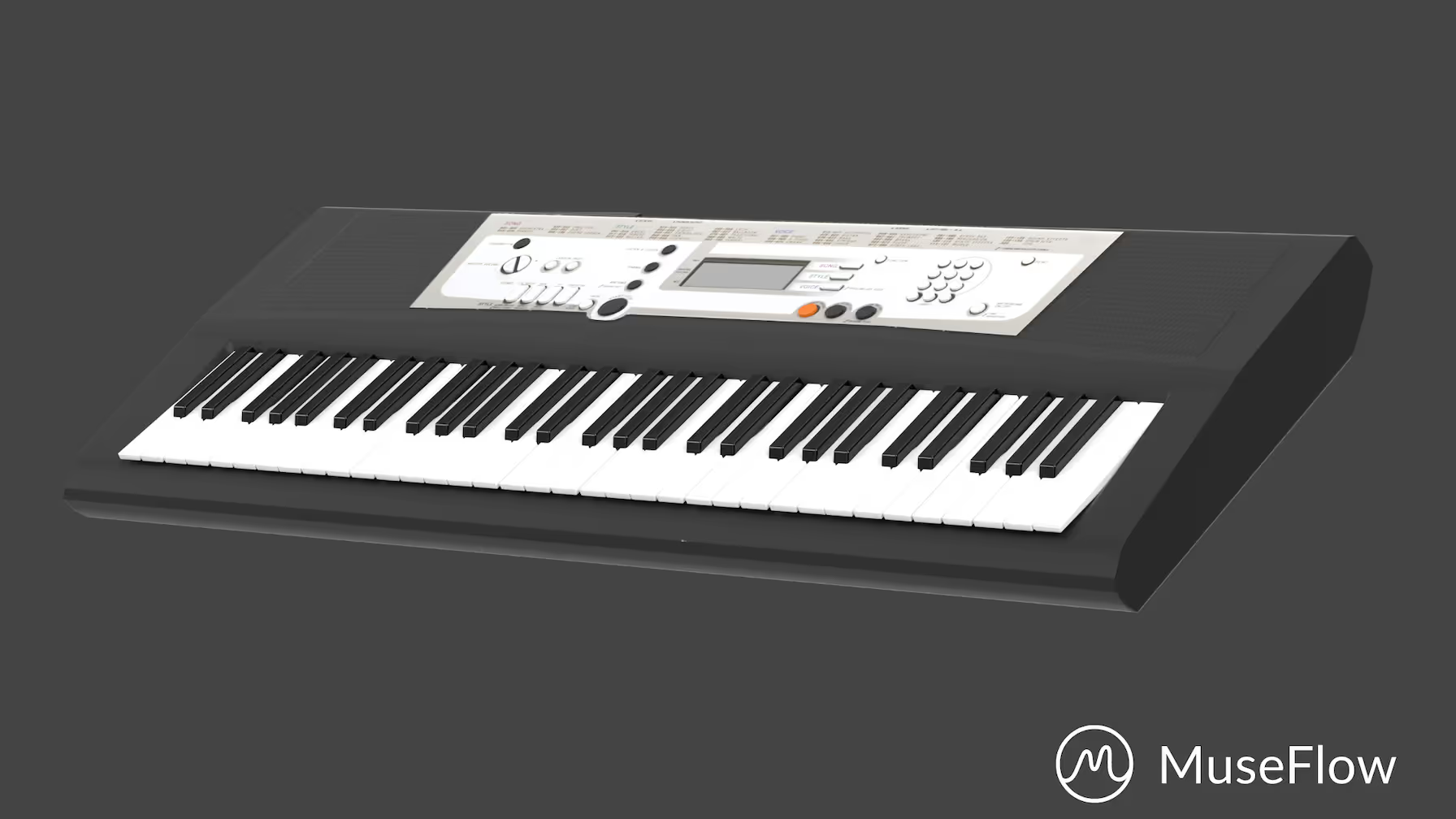
A MIDI keyboard is a type of electronic musical keyboard that is designed to interface with computers, synthesizers, and other MIDI-capable devices. Instead of making sounds on its own, when you press its keys, it sends information (called MIDI data) to other devices.
Think of it like a remote control for music – pressing keys on the MIDI keyboard sends signals to make music happen on other devices!
Using a MIDI keyboard instead of a normal acoustic piano offers several advantages, particularly in the context of modern music production, composition, and live performances. Here are some common reasons:
While traditional acoustic pianos have their unique charm and are irreplaceable in certain contexts, MIDI keyboards cater to the demands of contemporary music production, technology integration, and the diverse creative needs of musicians. The choice between a MIDI keyboard and an acoustic piano depends on the specific goals and preferences of the musician.

The terms "MIDI keyboard," "electronic keyboard," and "digital piano" are often used interchangeably. They all refer to very similar products, but with slightly different characteristics. Let's clarify the distinctions:
The term “electronic keyboard” is the broadest category, which includes both digital pianos and MIDI keyboards. It simply describes any keyboard that does not produce its sound naturally like an acoustic piano does, but rather by digital means (either through built-in speakers or by sending MIDI data to another device, which in turn produces sound).
Electronic keyboards often come with different built-in sounds, such as piano, organ, strings, and more, but they don’t have to. They may or may not have MIDI capabilities.
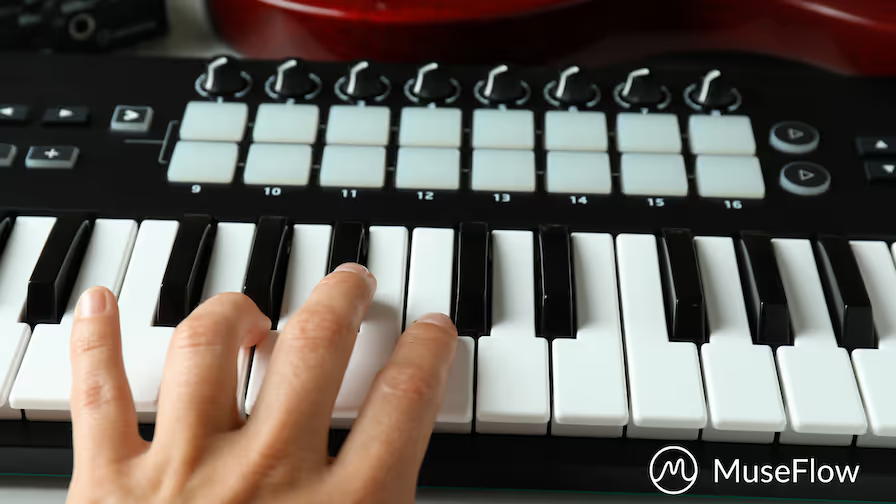
What''s a Midi Keyboard? A MIDI keyboard is a type of electronic keyboard designed specifically for sending MIDI data to other devices. It does not produce sound on its own. They generate MIDI data when keys are pressed, and this data is sent to external MIDI-compatible devices (usually a computer or tablet) to produce sound.
A digital piano is a type of electronic keyboard that aims to replicate the sound and feel of an acoustic piano. It is designed to closely mimic the acoustic piano experience, and as such they often look and feel like “standalone” instruments that don’t require any additional equipment. They usually have built-in speakers to reproduce the sound digitally, and will often be designed to look like an upright piano.
Like electronic keyboards, digital pianos often come with a small selection of built-in sounds, and may or may not have MIDI capabilities.
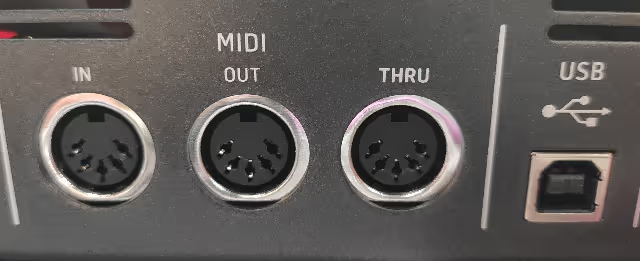
Most electronic keyboards nowadays are built with MIDI capabilities, and thus could be considered “MIDI keyboards.” If a keyboard has a USB port on it, then it is MIDI-compatible. If it’s an older keyboard, it may have the original MIDI five-pin connections instead.
Thanks for reading our article! We at MuseFlow are committed to making music education better and more accessible for everyone. If you’d like to learn more about our mission, click here. And if you’d like to try out our product for free, click below.
MuseFlow is the best way to learn to play a MIDI keyboard. Here’s why:
Got any more questions? Check out the rest of our FAQs or email us at info@museflow.ai, we’re happy to help!
Learning to play the piano on your own is the best when you figure out how. It can be a super fulfilling yet challenging adventure. There are many success stories of people teaching themselves instruments, but most of the time it's very challenging. Especially as traditional methods can often feel overwhelming and sometimes don't mesh with your personal learning style & pace. If you’re searching for the easiest way to teach yourself piano, then congrats, you've found it. MuseFlow, an innovative app built by engineers and professional musicians, is there to simplify piano learning. Read below to quickly find out why the app that helps you teach yourself piano is your best friend when it comes to mastering the piano independently...with ease and confidence!
Try MuseFlow's 7-Day-Trial right now!
As you might know, one of the first challenges of self-taught piano learning is knowing where to start and how to progress? MuseFlow eliminates this confusion. This is done by offering a personalized learning path that constantly adapts to your individual skill level & goals.
How it helps: When you start using the smart piano software, you current skill level and your musical preferences is taken into account. The app then tailors your learning plan to suit your exact needs. This is done to make sure you're not wasting time on lessons that are too easy or too difficult... This makes it more fun and saves you a lot of time. Also this adaptive learning approach helps you stay engaged & progress at your own pace. Therefore making self-teaching straightforward and more FUN!
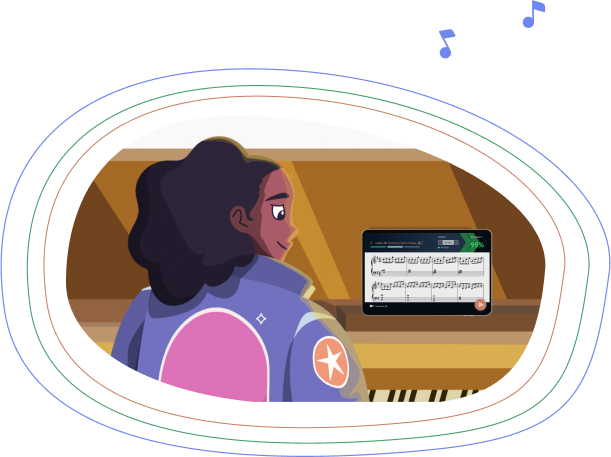
Another big challenge when teaching yourself piano is that there is no immediate and fast feedback. This of course is important for correcting mistakes and developing the right technique. The AI piano teacher provides real-time feedback on every note you play. This works like the responsive guidance you would receive from a live piano teacher. The only difference is the app won't get mad at you and is always paying attention.
How it helps: As you play, the machine learning & AI listens and instantly tells you if you hit the right notes.. with the correct timing! Now how great is that? This feedback is essential for learning and correcting your playing in real-time. You always want to make sure you're not creating bad habits, especially in the beginning. This is how it’s like having a teacher by your side, confirming when you’re doing things correctly and guiding you in the right direction when you're making mistakes.
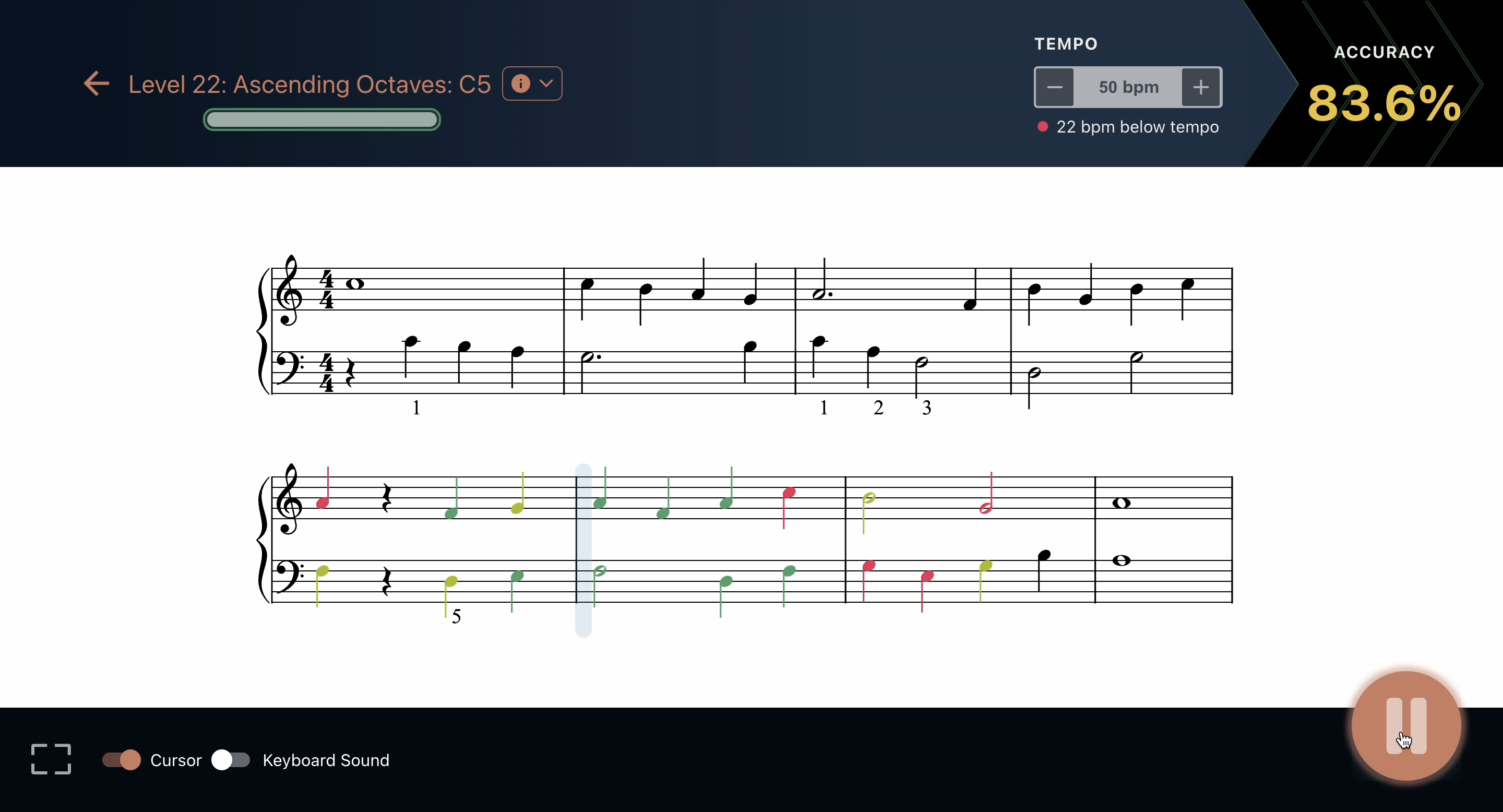
No matter what you are trying to learn, maintaining motivation is one of the biggest challenges. When you’re teaching yourself an instrument, you can easily lose motivation when you're getting stuck. MuseFlow tackles this by making learning very engaging and enjoyable at the same time. This is being done through gamification and interactive features, just like it should be in 2024.
How it helps: MuseFlow strategically incorporates elements of gaming. Just like social media app do, but here, gamification is done for the best cause. It has features like like achievements, levels, and rewards to keep you highly motivated. Each lesson feels like a mini fun game, where you can earn points and unlock new content by mastering skills. This approach keeps the learning process fun and super exciting. It helps you stay committed to practicing regularly without feeling like a chore, because the more something feels like a chore the less you want to do it.

For many self-learners, finding the right resources can be time-consuming and often costly. You don't know where to start and what to trust. MuseFlow offers an extensive library of songs, exercises, and tutorials, all included within the app. The AI is even able to create new songs for you so that it never gets boring. Overcoming piano learning challenges is easy when you have an app that supports you from all angles.
How it helps: Whether you are looking to master classical pieces, explore jazz, or play contemporary hits, MuseFlow provides a diverse range of music to choose from. That means there is something for everyone. Alongside musical pieces, the AI piano app includes detailed tutorials that break down techniques and theories in an easy-to-understand manner. There is no more need for external books or courses, making the piano software a one-stop-shop for all your learning needs!
Remember that when teaching yourself, it’s important to track your progress. Do this to stay motivated and to stay aware of your improvements. The app offers detailed analytics for you. It also show you your progress through reports. This will help you understand your learning journey better.
How it helps: Through the tracking, you can see detailed insights into your playing habits, your strengths, and the areas for improvement. This information is important for self-reflection. It helps you plan your future learning strategies. It also allows you to celebrate your successes and set realistic goals, keeping your learning journey on track.
MuseFlow the best piano teaching app offers the easiest way to teach yourself piano. What's great is that in 2024 we have the best technology available to help you. With its personalized learning paths, real-time feedback, engaging content, flexible accessibility, and detailed progress tracking, it makes sure that self-taught pianists have all the tools they need for success! Try it today, there is 7-day free trial, so no risk involved.
Do you have a MIDI compatible keyboard at home or in a studio and you want to learn to play the piano with it? MuseFlow has your back, and answers this question with a big “come on in everyone! Every type of keyboard is welcome!” Let’s first discuss the differences and similarities between a MIDI keyboard and a piano. Then we’ll dive into what MuseFlow is and why it’s the best platform for you to learn how to play your MIDI keyboard.

Interested in MuseFlow? Try it for free for 7 days!
We’ll keep this short. A MIDI keyboard is a keyboard that sends musical information through its digital interface to your computer or laptop (See MIDI - Musical Instrument Digital Interface. Music can be broken down into rhythm, pitch, velocity, volume, sustain, and a bunch of other information categories. When you play a note, the information associated with that note and how you played it gets converted into ones and zeroes and is sent to your computer or laptop via your MIDI device. It’s the most reliable way to make sure the information of what you’re playing gets to your laptop or computer exactly the way you played it.
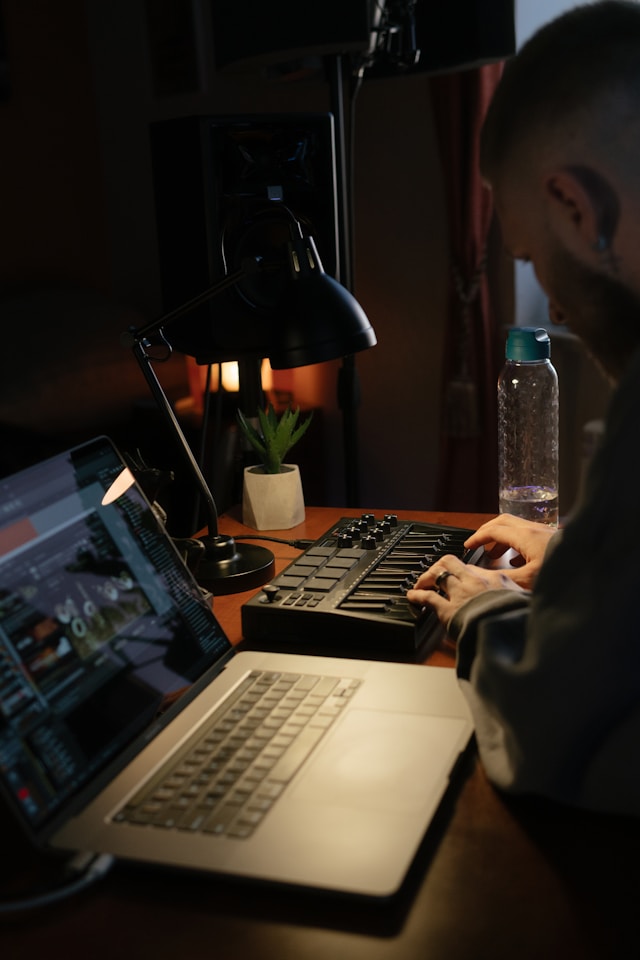
Usually a MIDI keyboard is hooked up to your computer via a USB cable or through Bluetooth. See MuseFlow’s FAQ “Where can I buy a ‘plug and play’ MIDI keyboard and cable, and which one is right for me?” for more information on MIDI keyboards and the cables we recommend.
A piano, on the other hand, is an acoustic instrument that doesn’t require electricity to play. It has hammers attached to the keys on a keyboard, which hit strings of certain lengths that ring out to create sounds at certain pitches. When you press down on a key, those strings for that pitch ring out. The vibration of those strings create the sound waves you hear!
The keyboard on a piano is laid out the same as a MIDI keyboard, and the pitches are the same. It’s just that a MIDI keyboard is a digital version of a piano, and relies on electricity to run. A piano is an analog version of the MIDI keyboard, which is solely a digital instrument.
MuseFlow is a piano education application that teaches you how to play the MIDI keyboard through sight reading (the act of reading music at first sight).

For the best connection possible, you’ll want a MIDI keyboard connected to your laptop or tablet. That is the most reliable form of connecting any MIDI keyboard to MuseFlow. It will know if you held the note long enough, played the note correctly, or missed it all together. It can even tell if you grazed a wrong note just slightly!
With the precision offered by MIDI keyboards and MuseFlow's ability to connect to them, it stands as the #1 piano learning app for this reason alone! Not to mention the fun you’ll have with its gamified approach to learning music. Each level is a new skill you need to learn (a new note, or new rhythm). And once you play four phrases of music in a row at or above 95% accuracy, you are moved onto the next level.

If your goal is to learn how to play the MIDI keyboard, MuseFlow is the best piano learning app out there to get you to where you want to be. With the level of accuracy and accountability a MIDI keyboard offers you in your learning journey, it is the #1 tool you can use to better yourself and improve your piano skills with MuseFlow.
Try MuseFlow today! Sign up for your 14-day free trial and learn how to play your MIDI keyboard with ease.

Keep up to date on our progress as we continue to add new features!